
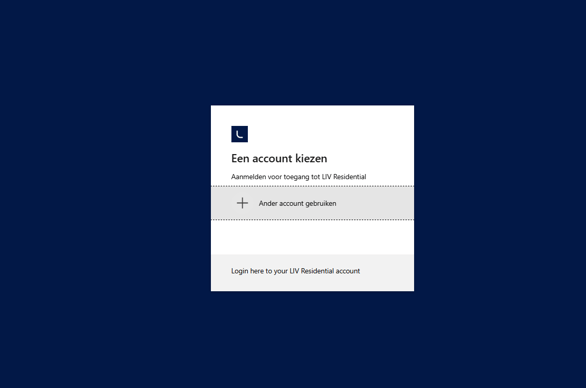
👤 Creating your account
Creating an account is quick and easy.
Simply sign up using your email address via the login page. Once your account is created, you’ll be able to securely access your personal portal.
⚠️ Important: use the same email address
To make sure everything works smoothly, it’s important that:
You use the same email address for your account as you use on our website.
When you:
- Respond to a property
- Submit a request via the green button on the website
👉 That email address must match your account email.
🏠 Why this matters
If your email addresses match, you’ll be able to:
- See all your property requests in one place
- Track your housing search history
- Easily manage your applications
If you use a different email address, your requests won’t be linked to your account.
💡 Tip
Not seeing your requests in your account?
In most cases, this means you used a different email address when responding to properties. Try logging in with that email instead.